
Is your Trane AC thermostat not working right? You rely on it to keep your home cool and comfortable, but when it fails, frustration sets in fast.
You might be wondering why your thermostat isn’t responding or why the temperature won’t adjust. The good news is, you’re not alone—and there are simple fixes that can get your system back on track. Keep reading to discover easy steps you can take right now to solve your Trane AC thermostat problems and bring cool relief back to your home.
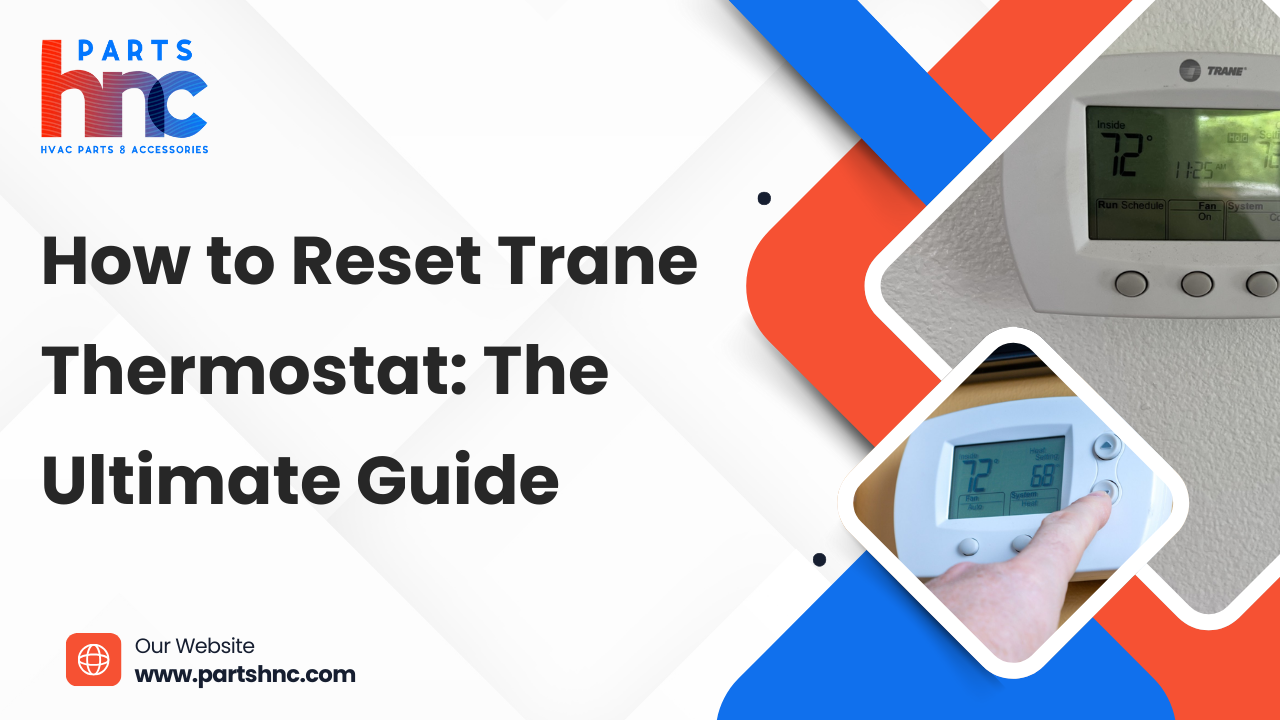
Credit: www.partshnc.com
Page Contents
Common Thermostat Issues
Trane AC thermostats can face issues that stop them from working right. These problems can affect comfort and energy use. Knowing common thermostat issues helps fix them fast and keep your home cool.
Power Problems
Thermostats need power to work. Dead batteries or loose wires can cause power loss. Sometimes, a tripped circuit breaker stops the thermostat from getting power. Without power, the thermostat will not turn on or respond.
Display And Screen Errors
The screen may show wrong or no information. A blank screen or flickering display can confuse users. Dirt, dust, or moisture can damage the screen. Screen errors make it hard to set the right temperature.
Temperature Inaccuracies
The thermostat may show the wrong temperature. Sensors can fail or get dirty over time. This causes the AC to run too much or too little. Incorrect readings lead to discomfort and higher energy bills.
Unresponsive Controls
Buttons or touch controls might stop working. This happens due to hardware faults or software glitches. The thermostat won’t accept user commands. Unresponsive controls make it impossible to change settings easily.
Basic Troubleshooting Steps
Basic troubleshooting steps help fix common thermostat problems fast. These steps are simple and do not need special tools. Follow each step carefully for best results. This guide focuses on the main checks for a Trane AC thermostat not working.
Check The Power Supply
Start by making sure your thermostat has power. Look for the display screen. If it is blank, the thermostat might not have power. Check if the unit is plugged in or if the power switch is on. Sometimes, a loose wire can cause power loss.
Inspect The Circuit Breaker
Next, check the circuit breaker for the AC system. Find your home’s breaker panel. Look for any tripped switches related to the air conditioner. If a breaker is off or in the middle, flip it fully off then back on. This action can restore electricity to the thermostat.
Replace Thermostat Batteries
Many thermostats use batteries. Low or dead batteries cause the device to stop working. Open the thermostat cover and remove old batteries. Use fresh batteries of the same type. After replacing, check if the display turns on and the AC responds.
Reset The Thermostat
Resetting the thermostat can clear errors and bugs. Find the reset button or option in settings. Press and hold the button for a few seconds. The thermostat will restart and return to default settings. This step can fix minor software issues and improve performance.
Advanced Fixes
Advanced fixes for a Trane AC thermostat not working go beyond basic troubleshooting. These steps require some technical knowledge but can solve deeper issues. Follow each method carefully to avoid damage.
Recalibrating The Thermostat
Thermostats can lose accuracy over time. Recalibrating restores correct temperature readings. Start by comparing the thermostat reading with a reliable thermometer. Adjust the thermostat settings to match the real temperature. This process helps the AC respond properly to temperature changes.
Checking Wiring Connections
Loose or damaged wires often cause thermostat problems. Turn off the power before checking. Remove the thermostat cover and inspect all wires. Look for corrosion, breaks, or loose connections. Tighten or replace wires as needed. Proper wiring ensures stable communication between the thermostat and AC unit.
Updating Thermostat Firmware
Modern Trane thermostats use firmware to operate. Outdated firmware can cause errors. Check the thermostat menu for update options. Connect to Wi-Fi if required. Follow on-screen instructions to install updates. Updated firmware improves performance and fixes bugs.
Replacing Faulty Components
Some thermostat parts wear out over time. Sensors, displays, or circuit boards can fail. Identify faulty components by testing with a multimeter. Replace damaged parts with original or compatible replacements. This step may need professional help if unsure. New components restore full thermostat function.
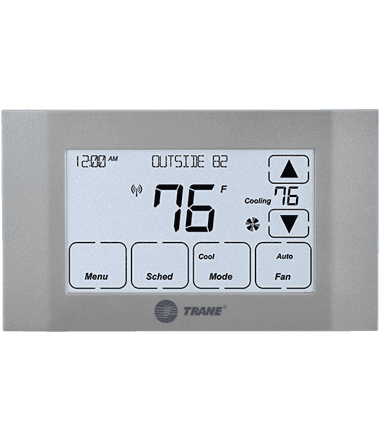
Credit: www.trane.com
When To Call A Professional
Knowing when to call a professional for a Trane AC thermostat problem saves time and stress. Some issues are easy to fix alone. Others need expert help. Recognizing these signs helps protect your system and keeps your home comfortable.
Persistent Issues After Fixes
Simple fixes may not solve the problem. If the thermostat still does not work after resetting or changing batteries, call a technician. Continuous issues can mean deeper faults. Professionals have tools to find hidden problems fast.
Complex Electrical Problems
Thermostats connect to your home’s electrical system. Faulty wiring or circuit issues can cause failures. Electrical repairs can be risky. A trained expert can safely diagnose and fix electrical problems without harm.
Hvac System Compatibility
Sometimes the thermostat does not match the AC system. This causes poor performance or no response. Professionals check if the thermostat suits your Trane AC. They can suggest or install the correct model for smooth operation.
Preventive Tips For Thermostat Care
Taking care of your Trane AC thermostat helps it work longer and better. Small steps can prevent many common problems. Regular attention keeps your home comfortable and your system efficient.
Regular Maintenance Schedule
Set a routine to check your thermostat every few months. Clean dust and dirt from the device gently. Replace batteries once a year or as needed. Test the thermostat to ensure accurate temperature readings.
Proper Thermostat Placement
Install your thermostat away from direct sunlight and drafts. Avoid placing it near heat sources like lamps or appliances. Keep it on an interior wall for stable temperature sensing. Good placement helps the AC run correctly.
Avoiding Common Mistakes
Do not block the thermostat with furniture or curtains. Avoid changing settings too often or too quickly. Never use a vacuum or liquid cleaner on the thermostat. Handle it carefully to prevent damage to sensors or wires.
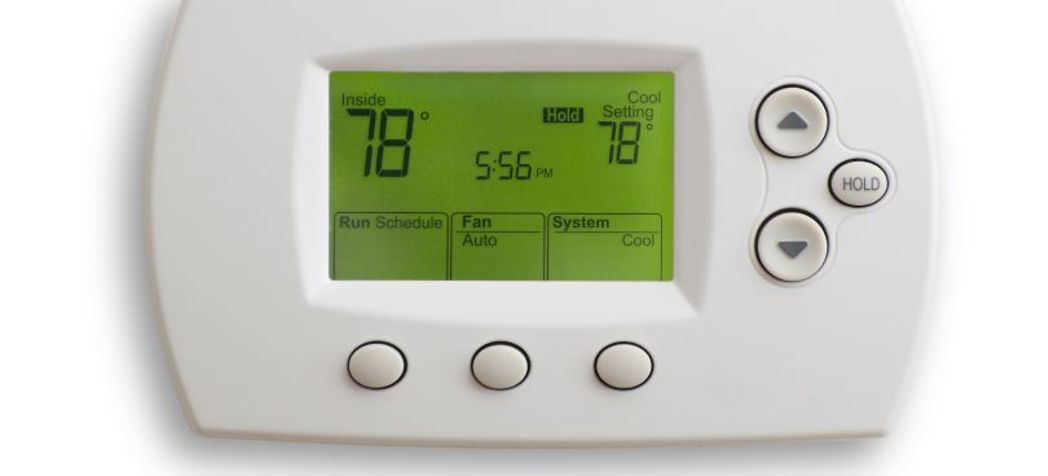
Credit: www.partstown.com
Frequently Asked Questions
Why Is My Trane Ac Thermostat Not Responding?
Your Trane AC thermostat may not respond due to dead batteries, loose wiring, or a system malfunction. Check the power supply and connections first.
How To Reset A Trane Ac Thermostat?
To reset, turn off the thermostat and HVAC system. Wait 30 seconds, then turn both back on. This often resolves minor errors.
Can Dirty Sensors Cause Thermostat Issues?
Yes, dirty or blocked sensors can give false readings, causing improper cooling. Clean sensors gently to maintain accuracy and performance.
When Should I Replace My Trane Thermostat?
Replace your thermostat if it’s outdated, unresponsive, or incompatible with your AC. Modern thermostats improve energy efficiency and control.
Conclusion
A Trane AC thermostat not working can cause big discomfort. Check the batteries and wiring first. Sometimes, a simple reset fixes the issue. Make sure the thermostat is clean and free of dust. If problems continue, calling a professional is best.
Keeping your thermostat in good shape saves energy and money. Don’t let a small problem turn into a bigger one. Stay cool and comfortable by acting quickly. Your home deserves a working AC system all year.